Make an Emergency Call
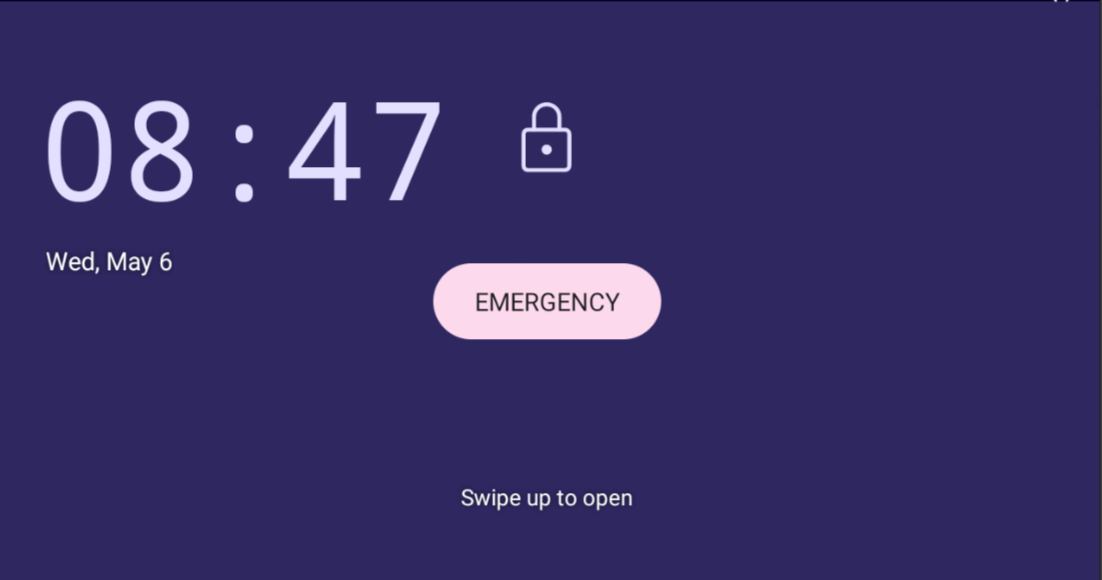
If your user is assigned an emergency calling policy (configured from the Teams Admin Center), the phone allows you to make an emergency call without unlocking the phone first. The idle lock screen displays an EMERGENCY button.
|
➢
|
To dial the service from the locked idle screen either: |
|
■
|
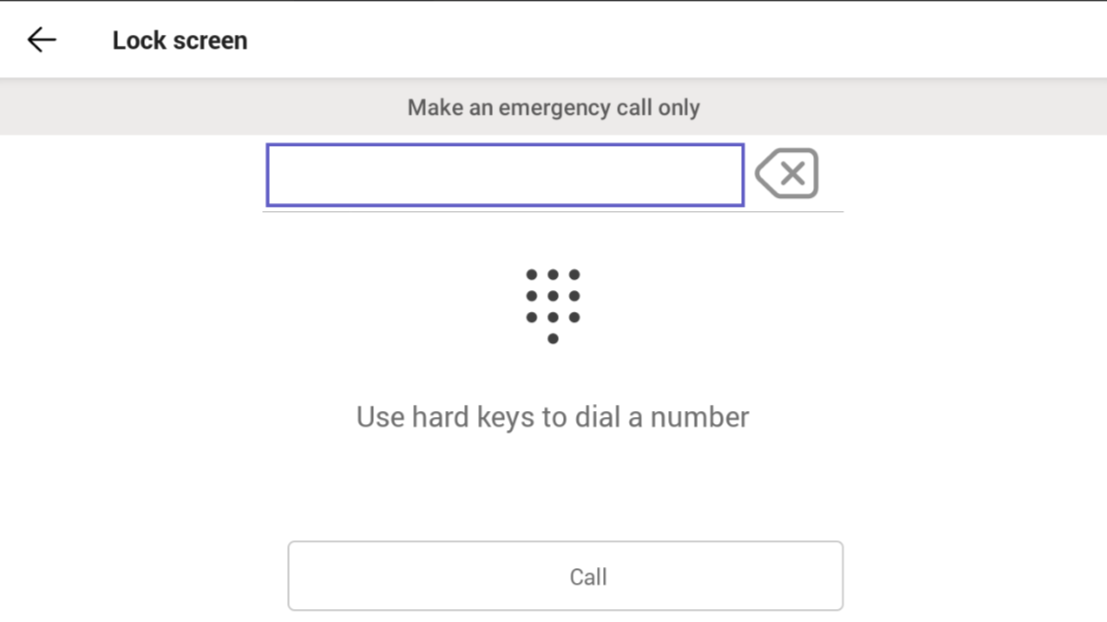
Tap EMERGENCY in the locked idle screen and then enter the emergency number. |
-OR-
|
■
|
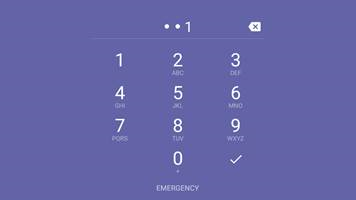
Dial from the dial pad without needing to use the EMERGENCY key: |
|
b.
|
Activate the speaker button on the phone. |
|
c.
|
View the ‘Emergency call’ screen displaying the dialed emergency number. |
|
●
|
When the phone detects that 911 has been entered or dialed, it automatically calls that number. |
|
●
|
If you enter or dial a number that is not an emergency number, a message is displayed indicating that only emergency numbers can be called. |